

Paid and free tickets on your own site — with zero sales cut.
Configure ticket types inside your EmDash editor, accept cards through Stripe Checkout or bank transfers by invoice, deliver scannable QR tickets, and scan visitors in at the doorway.
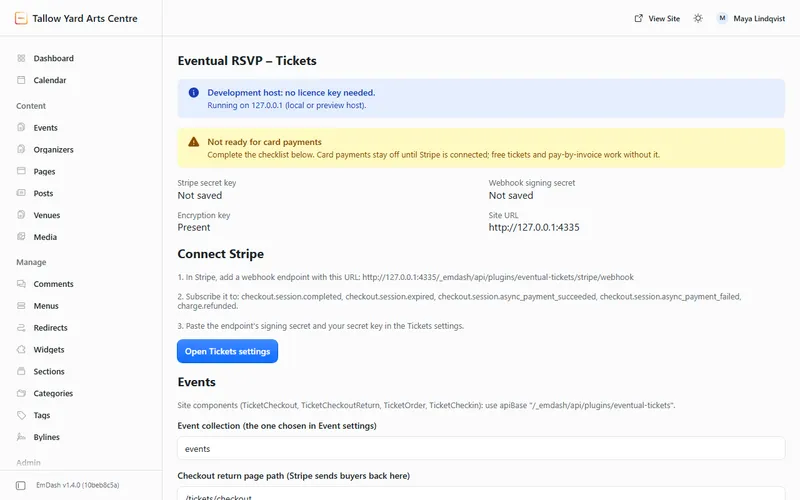
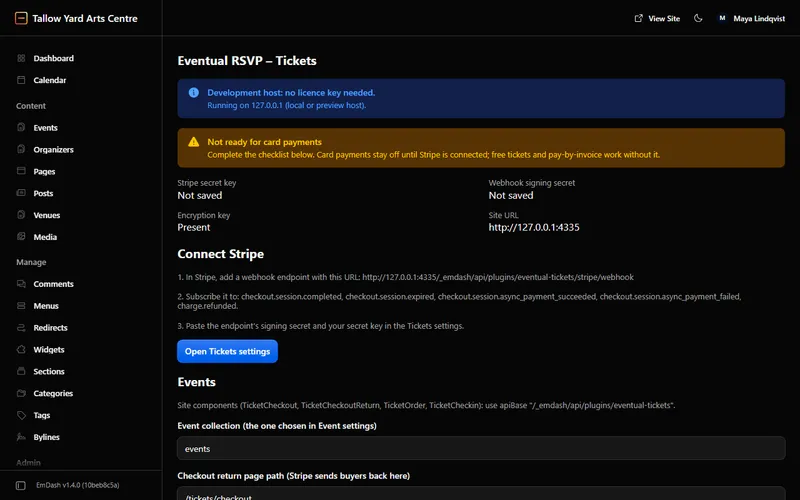
- Separate from free Registrations events
- Events explicitly set to Tickets are handled by Tickets, leaving free Registrations registrations untouched so the same place can never be issued twice.
- Stripe stays optional
- Free tickets and pay-by-invoice bookings work out of the box with no Stripe credentials or server encryption key required.
- Offline key verification
- A signed key validates your domain locally with zero external calls. Existing orders, QR pages, and refunds keep working at all times.
From ticket setup to confirmed payment
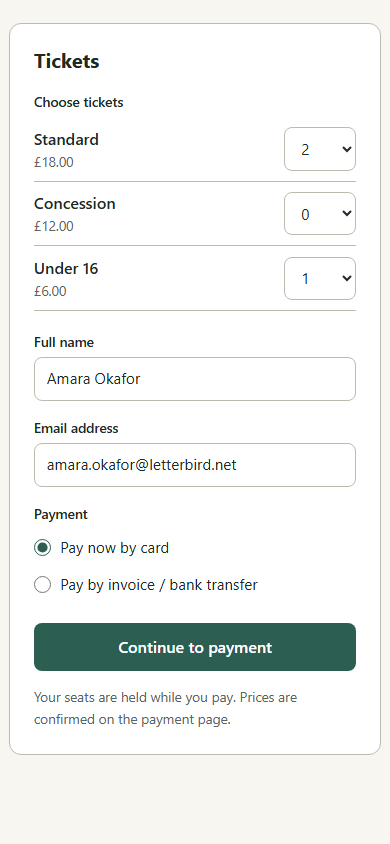
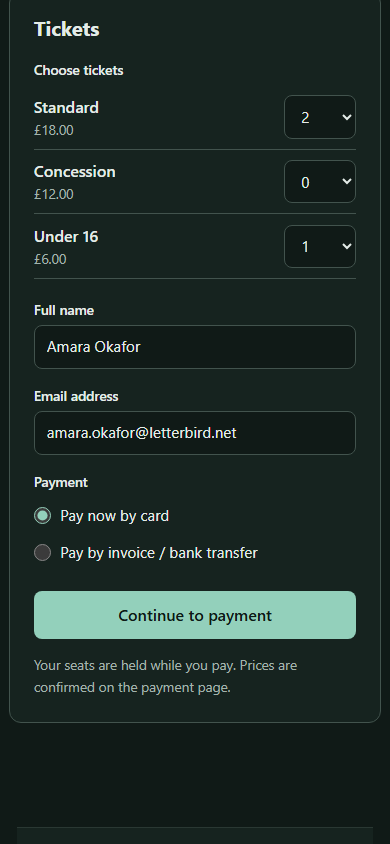
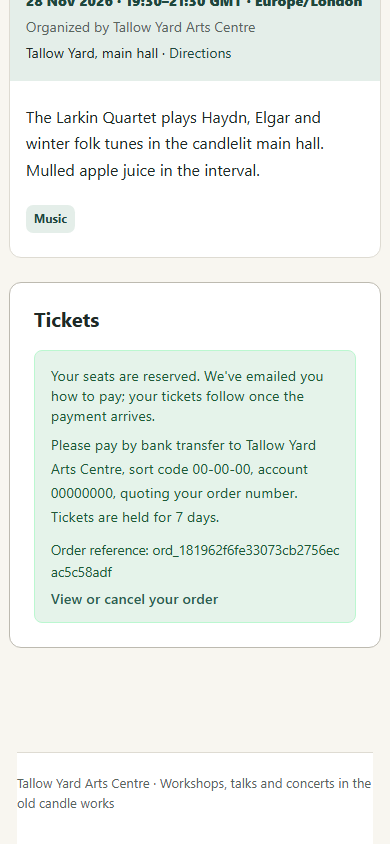
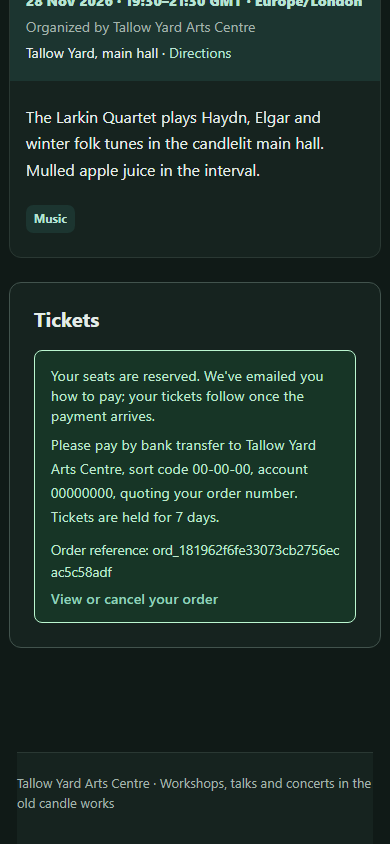
Every checkout reserves places atomically so sessions never overbook—whether a buyer pays immediately by card or pays a bank invoice later.
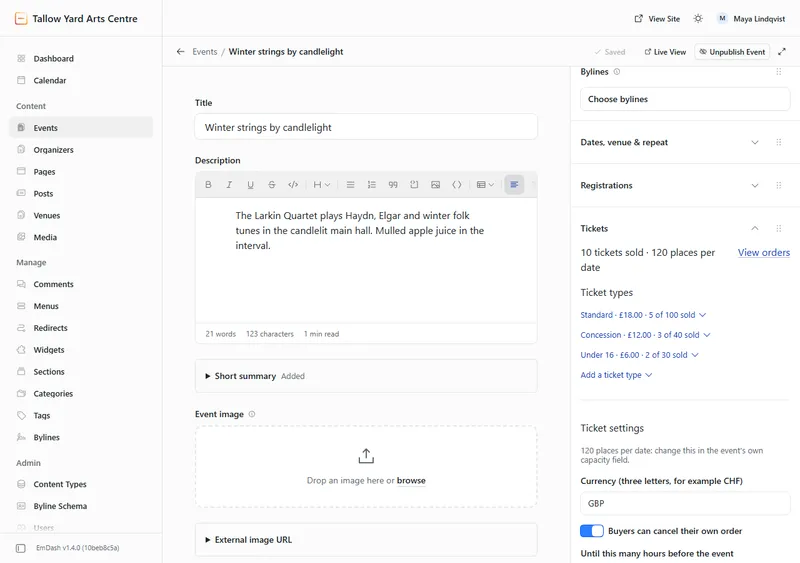
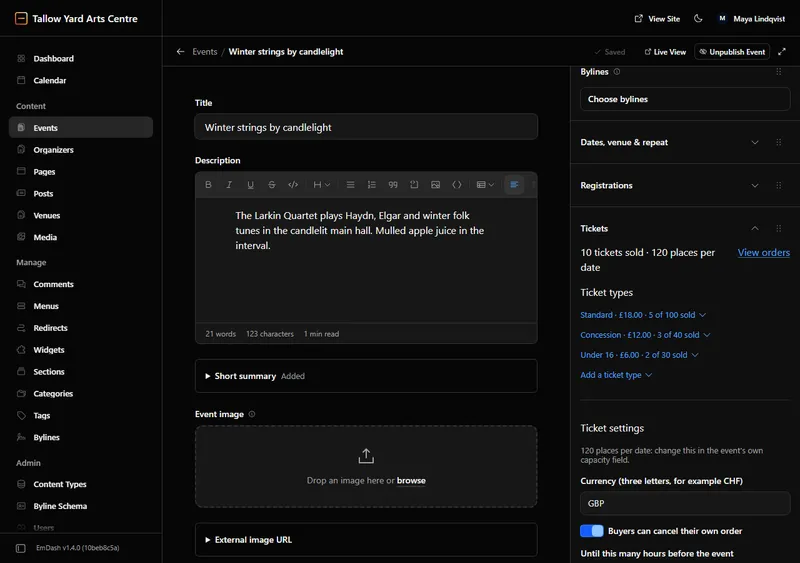
Ticket categories right inside the event editor
Add up to 20 ticket categories per event (adult, concession, free, member) with optional per-category quotas inside the event’s overall capacity, per-order caps (1–50), sales windows, and custom questions.
- Enable pay by invoice per event with custom bank transfer payment instructions.
- Visitor checkout, transactional emails and the admin run in 21 languages, with each language’s price and date formats.
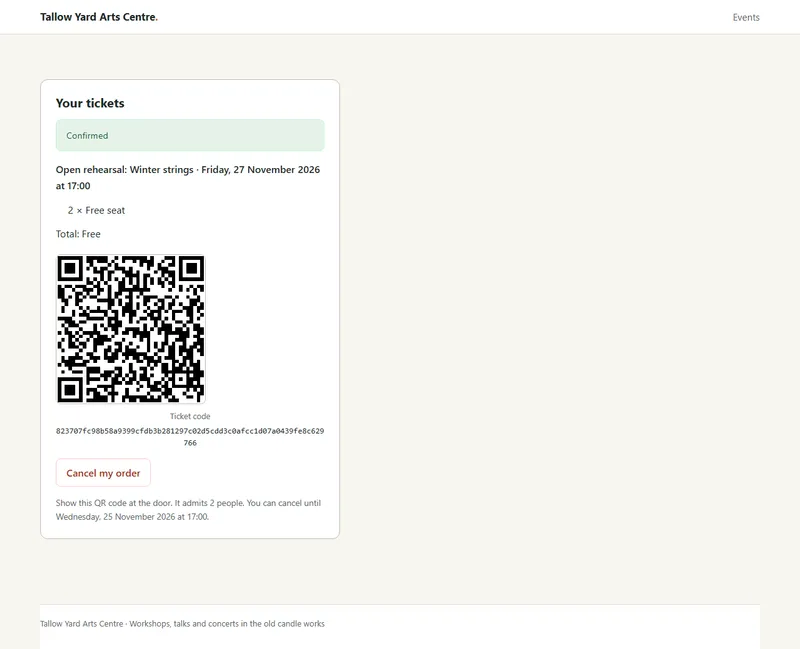
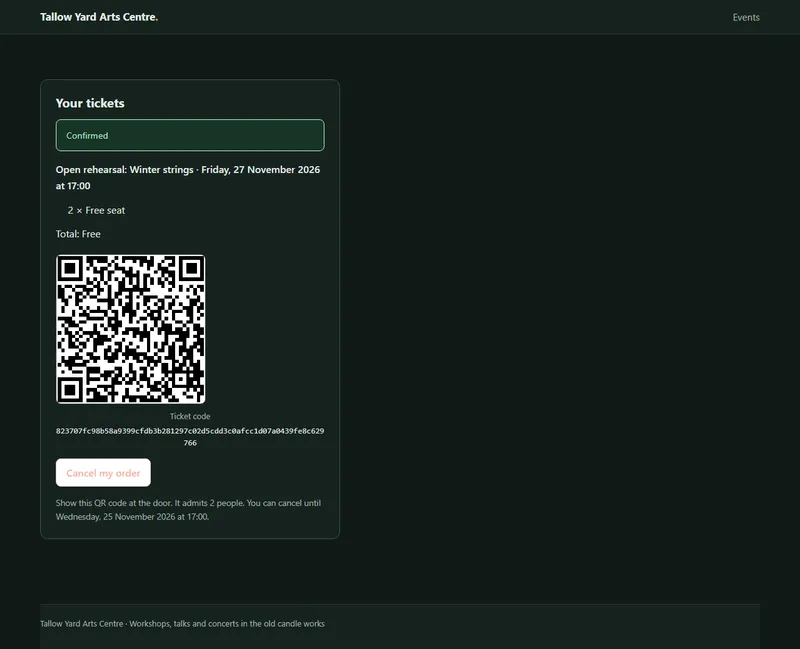
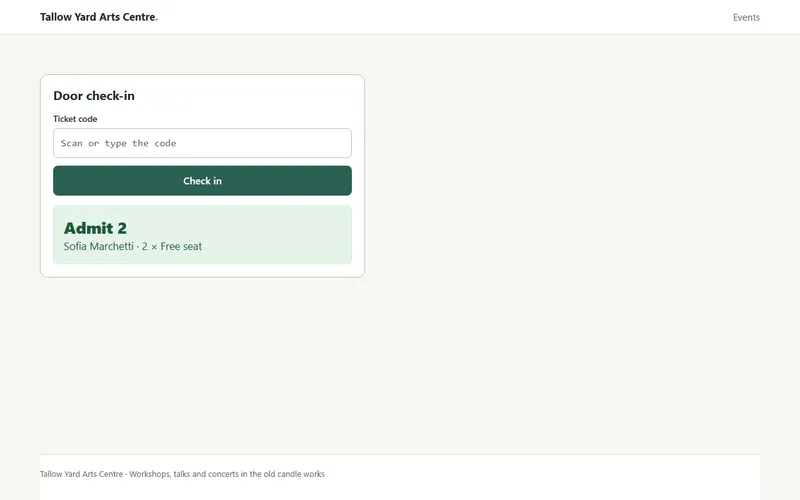
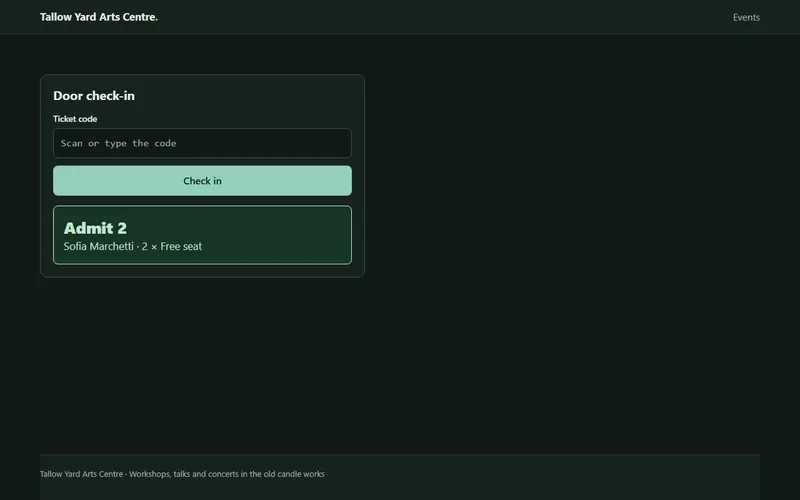
Buyer QR order portal and doorway check-in
Buyers open their order directly from an email link with no account or password needed—and staff verify tickets at the venue door in one scan.
Orders, refunds, privacy erasure, and measured limits
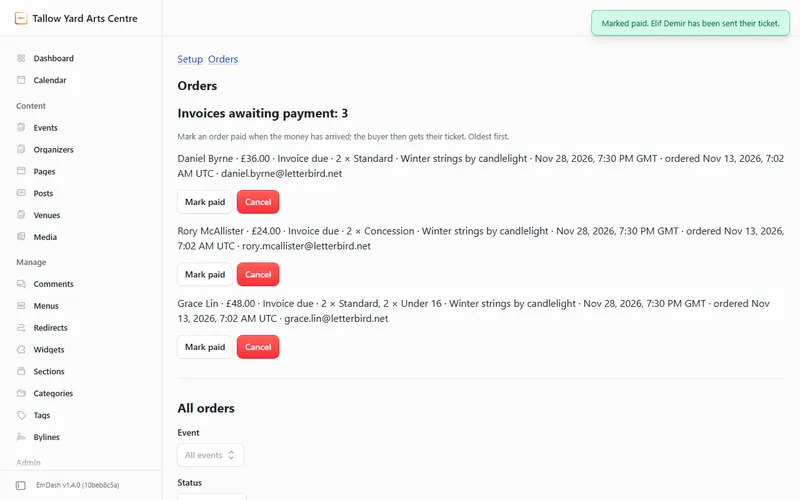
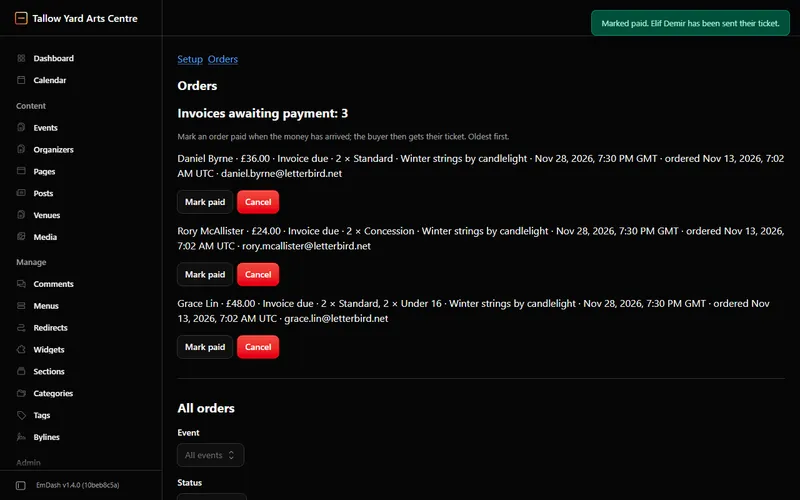
From Admin → Orders, mark bank transfers paid to email buyer QR tickets, issue manual full or partial Stripe refunds, and download formula-safe treasurer CSV reports in the event’s local time zone.
- Configurable personal-data retention (30–3,650 days, 365 default) clears buyer names, emails, and answers while keeping financial totals intact.
- Email lookup erasure clears past and cancelled buyer details while protecting active upcoming orders.
| Operation | Documented bound (10-call sandbox) | Behaviour past the bound |
|---|---|---|
| Automatic reconciliation per date | ≈ 700 orders | Skipped cleanly and retried later; split large events into separate dates. |
| Orders CSV export | ≈ 700 orders | Truncated cleanly with header notice; filter by individual event and date. |
| Automatic card refunds | 2 per 5-minute cycle | Remaining refunds dispatch safely on subsequent cycles using idempotency keys. |
| Overdue checkout hold sweep | 2 per minute | Queries Stripe session status before releasing places across subsequent minutes. |
Straightforward one-year pricing — USD 30 / 100 / 200
Site licence USD 30/year · Ten-site licence USD 100/year · Unlimited sites USD 200/year. Localhost and preview domains (*.workers.dev, *.pages.dev) run free. Versions released during your paid year continue working forever, backed by an unconditional 30-day refund.
Coming soon: Eventual RSVP – Tickets is on its way to npm and the EmDash Registry. To order a licence now, write to support@eventual.rsvp.