Free registrations, waiting lists, and doorway check-in on your own site.
Built for camps, school nights, club workshops, and recurring sessions: cap places per date, ask the questions you need, review requests on your phone, and welcome visitors from a mobile door list.
What you can do, step by step
Every workflow below matches a real verified organiser task—whether preparing a registration week beforehand or greeting visitors at the entrance.
Open registration with per-person limits & custom questions
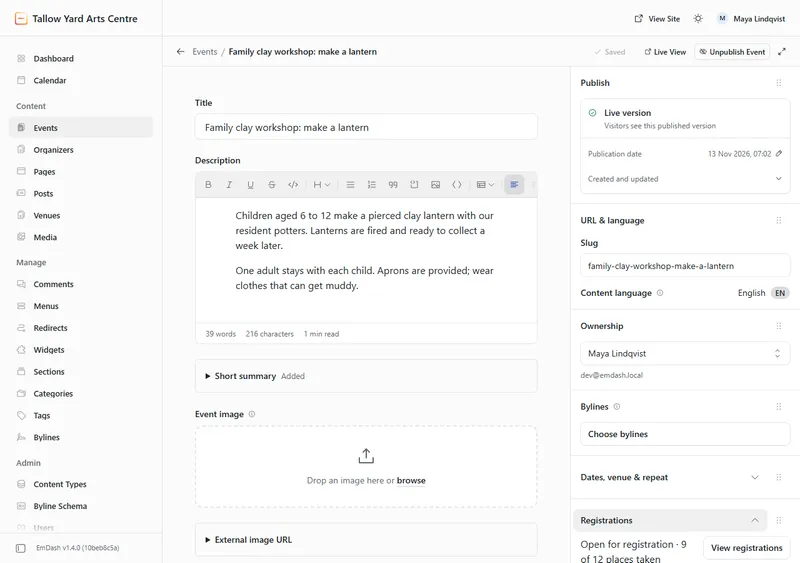
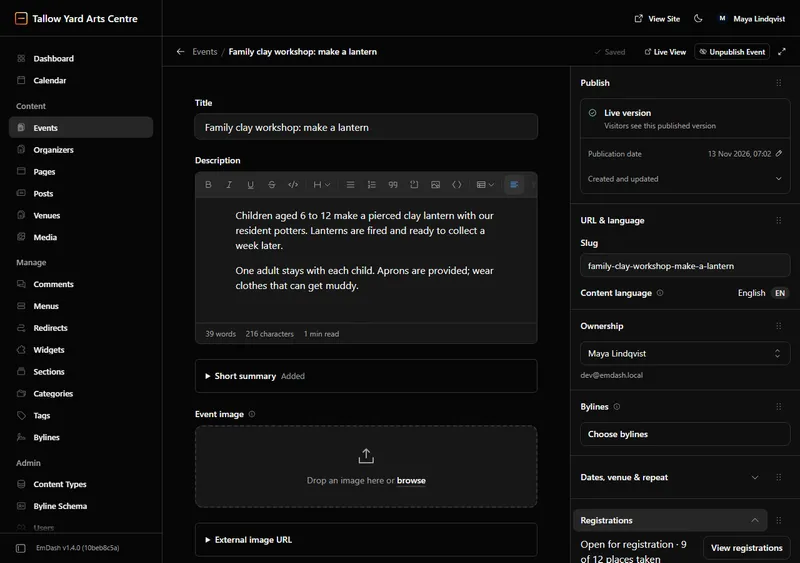
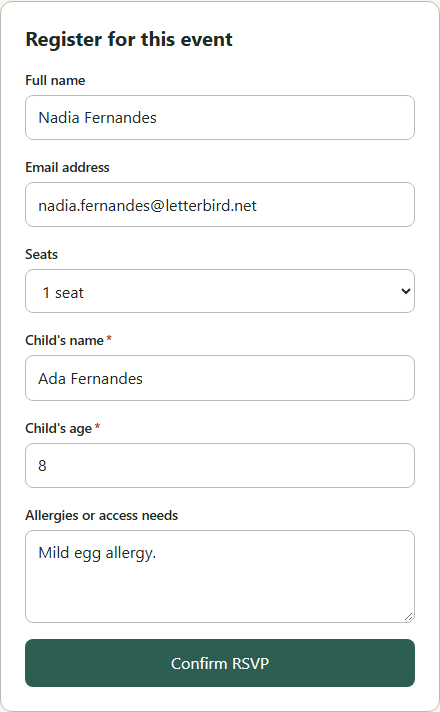
Every event stays closed by default until you publish it and open registration. Set maximum places per person, choose whether full dates accept a waiting list, and add required or optional questions (short text, long note, choice list, or confirmation box).
- Every language version of an event shares one place count and one queue.
- Answers are validated on the server in the language shown on the visitor form.
Review and approve requests before confirming
Turn on per-event approval with a configurable decision window (1–720 hours, 48 h default). Requests hold their places cleanly so the event never overbooks while you decide—and overdue requests expire automatically.
- Optional organiser email notification whenever a new request awaits your decision.
- Approving sends the calendar confirmation; declining releases places to the next person.
Strict first-come waiting list with 2-hour held offers
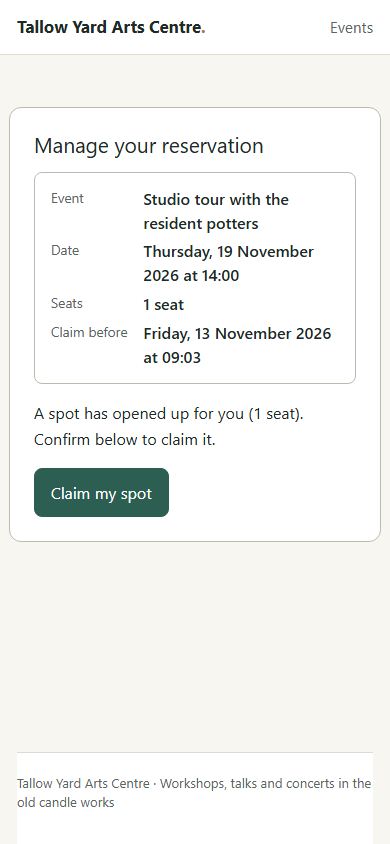
When all places are taken, visitors join the queue and see their exact position immediately. Whenever someone cancels, Registrations locks the freed places for the first person in line and emails a 2-hour claim link. Nobody can skip ahead.
- Includes a manual admin control to move a blocked queue head to the end of the line.
- Unclaimed 2-hour offers move cleanly to the next waiting visitor in the background.
Mobile doorway check-in, caller lookup, and printable door lists
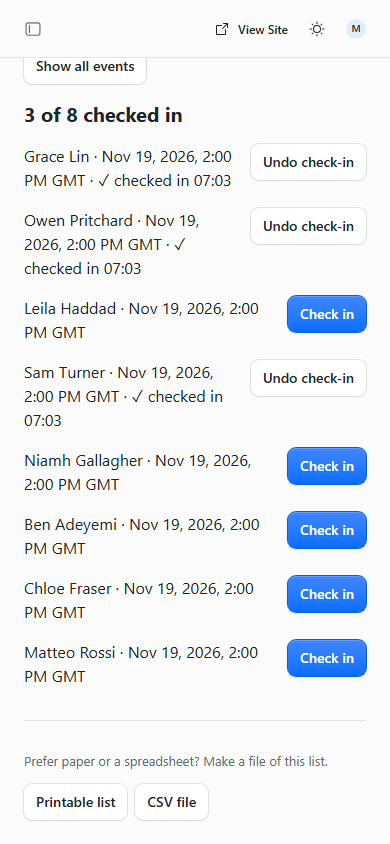
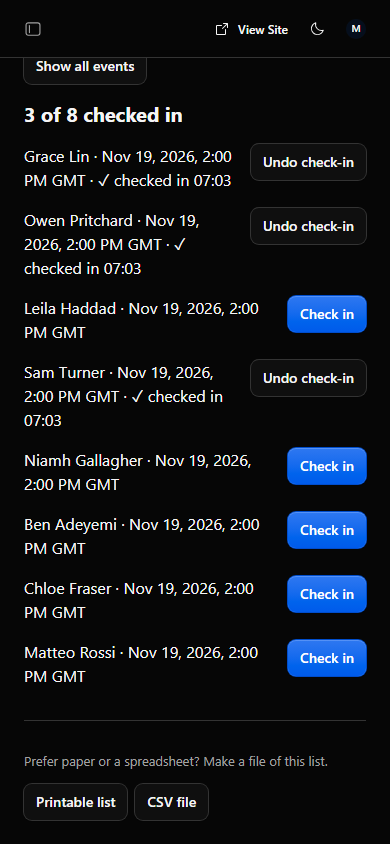
At the entrance, check confirmed attendees in right from your phone and undo mistaps in one tap. Filter registrations by event and date, print a clean HTML door sheet, or download a local-time CSV.
- Find a caller quickly by name across dozens of bookings; cancelling confirms first and frees places.
- Visitors also receive an immediate self-service cancel link right on screen even if no mail plugin is active.
Weekly capacity overview, reminders, and FADP personal-data erasure
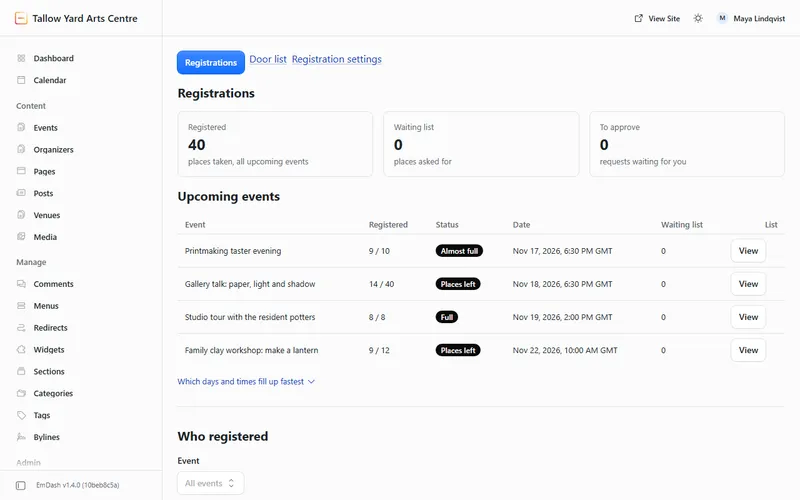
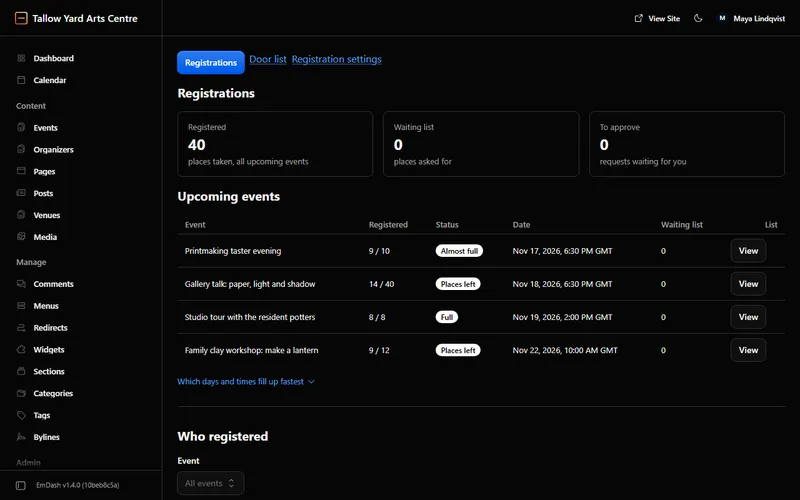
See upcoming capacity counts (“Full”, “Almost full”, “Places left”) and the busiest weekly time slots. Configure reply-to address, reminder lead time (24 h default), Cloudflare Turnstile, and retention period.
- One-click personal data lookup & erasure deletes past personal details while protecting active upcoming registrations.
- Erased rows preserve accurate place counts without retaining names, emails, or form answers.